
a journal that remembers with you
-
The same day, across time
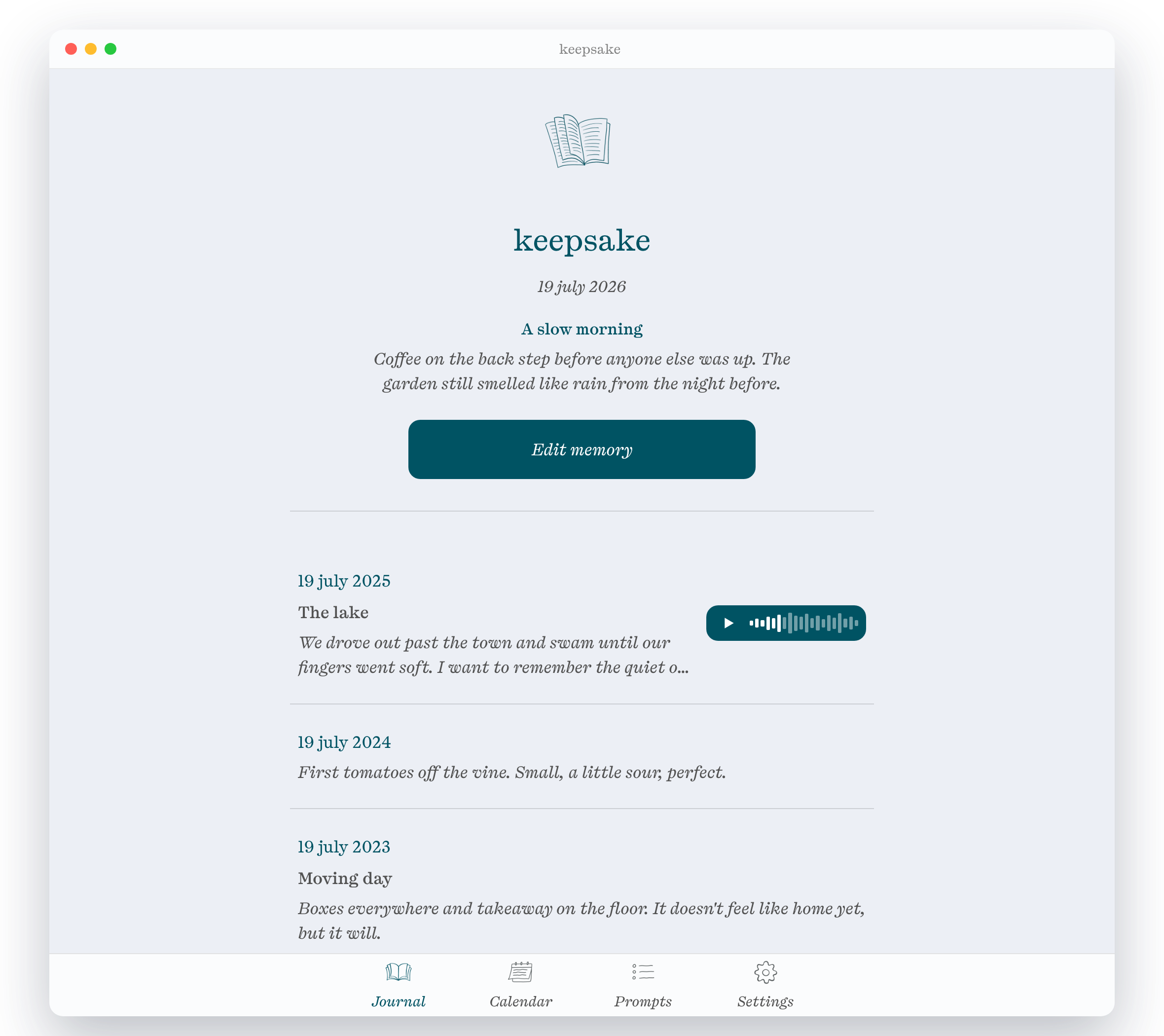
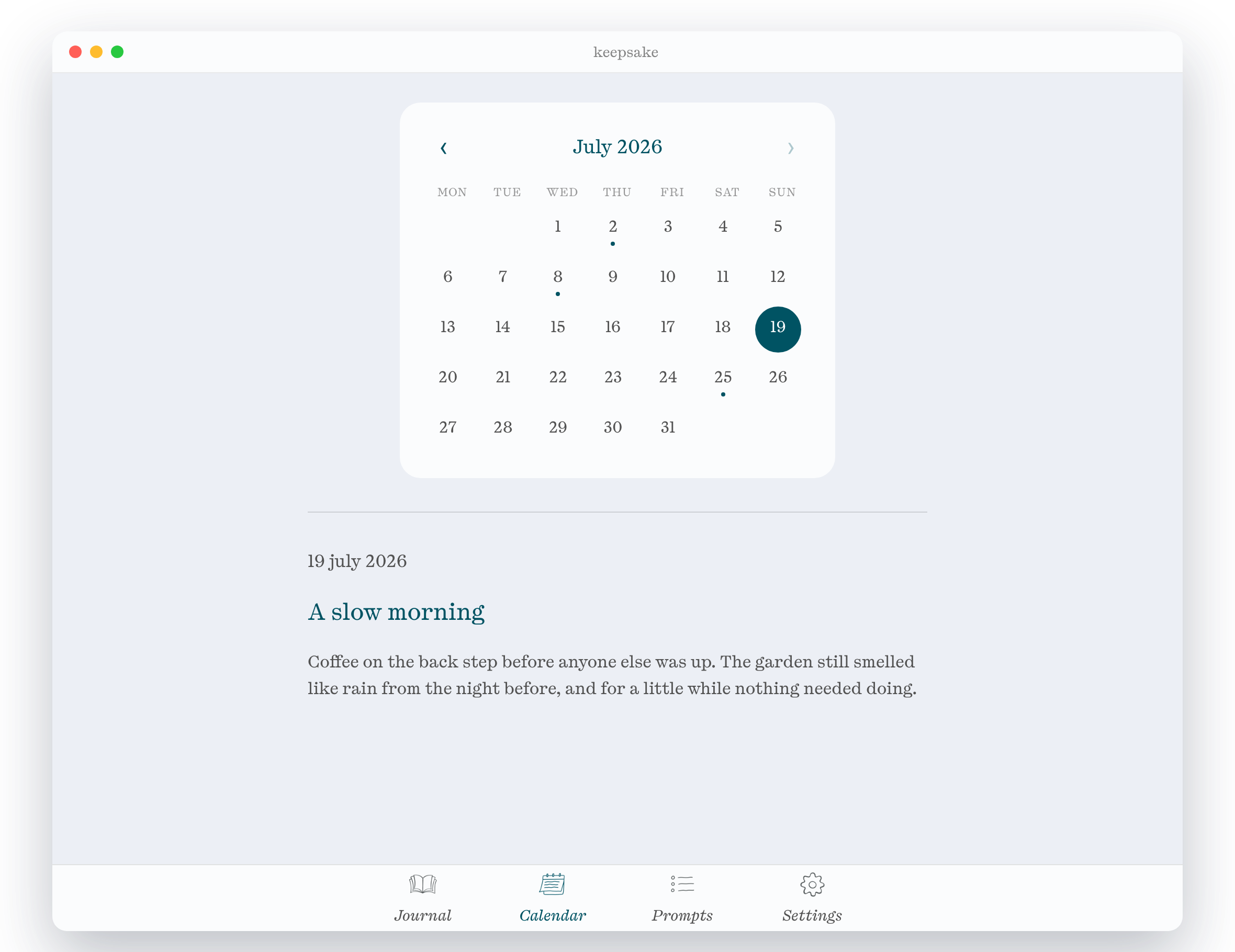
Each day you're shown what you wrote on this same date in the past — five months or five years back, your choice. Small moments you'd forgotten, returned to you.
-
Words, photos, and voice
Write freely, add a few photos, or record a voice note. Gentle daily prompts are there for the days you don't know where to start.
-
Yours alone
No accounts, no servers, no tracking. Your journal lives in a folder on your own computer and never leaves it. Privacy isn't a setting here — it's the whole idea.
download & install
keepsake was previously called Memory Journal. If you already use it, your entries, photos and voice notes carry over automatically — there's nothing to export or import.
On a Mac
- Open the downloaded .dmg and drag keepsake into your Applications folder.
On Windows
- Run the downloaded .exe installer (it installs just for you — no admin needed).
- If Windows shows "Windows protected your PC," click "More info" then "Run anyway."
Want to see exactly what the app does? The full source code is on GitHub.
private by design
keepsake keeps everything — your words, photos, and voice notes — on your own device. It makes no network connections and contains no analytics or tracking of any kind. Read the full privacy policy.